Policies
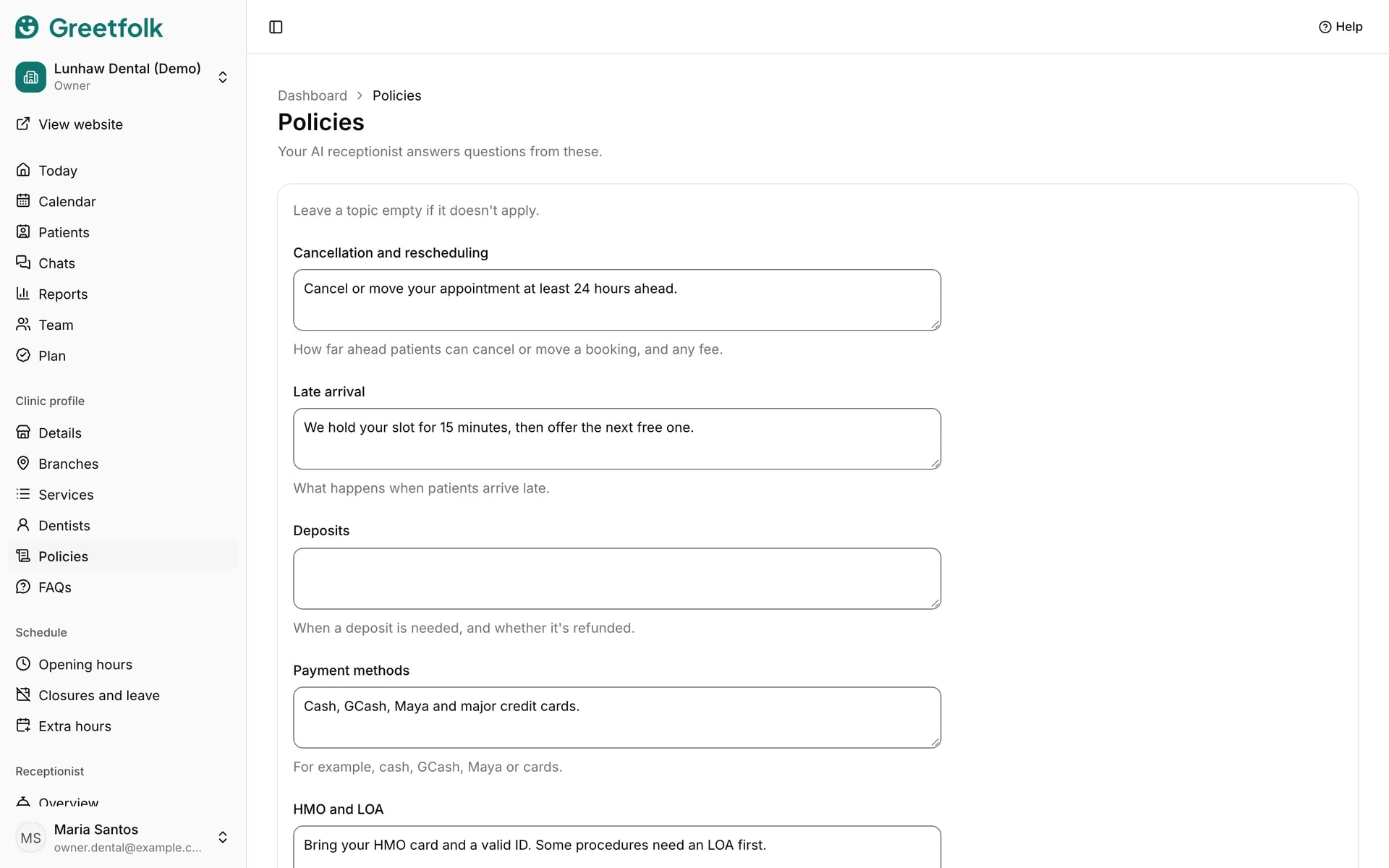
Policies are a few lines on each rule people ask about before they come. Your AI receptionist answers questions from these, so it says what you would say.
The screenshots show a demo business with made-up bookings and chats.
1. Open Policies
Open Policies in the dashboard menu, under your business's profile. Owners and staff can edit it.
2. Write each topic in your own words
Cancellation and rescheduling says how far ahead someone can cancel or move a booking, and any fee. Late arrival says what happens when they arrive late. There are also topics for deposits, payment methods, walk-ins and Other policies for anything else people should know.
3. Leave out what doesn't apply
A topic left empty is simply not used. Keep each one short and exact, because the assistant repeats the facts you give it.
4. Match your booking settings
If your policy says changes are allowed up to a day before, set Online changes on the Details page to the same time, so the website and the assistant agree.
5. Save
Click Save policies.