FAQs
FAQs are the questions people ask most, with your answers. Your website shows them, and your AI receptionist answers from them.
The screenshots show a demo business with made-up bookings and chats.
1. Add a question
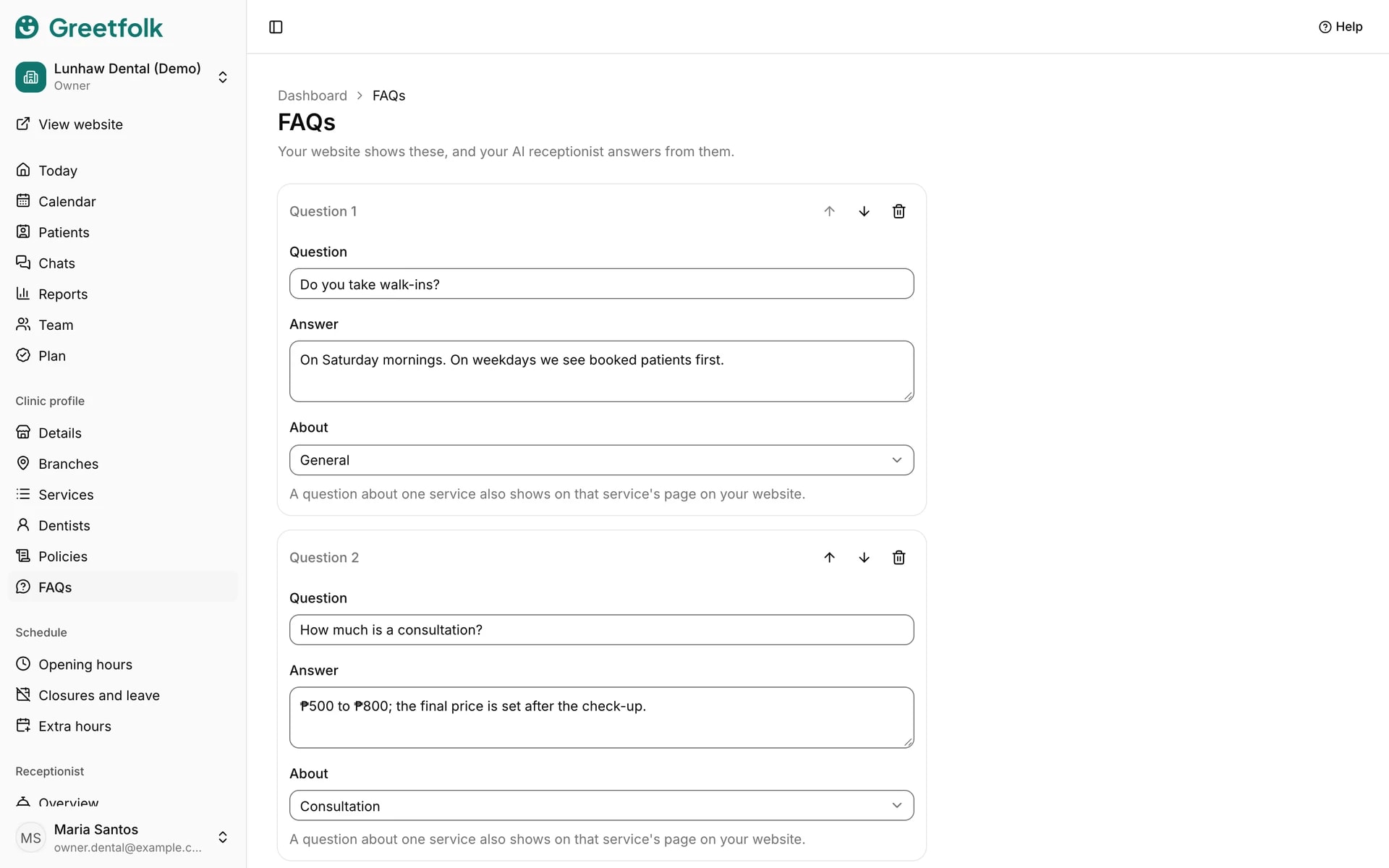
Open FAQs and click Add question. Type the question and the answer the way you would say them at the front desk.
2. Say what it is about
Choose what the question is about. A question about one service also shows on that service's page on your website. General ones show in your website's FAQ section.
3. Put them in order
Use the arrows to move a question up or down, and the remove button to delete one. Your website shows them in this order.
4. Save
Click Save FAQs. Nothing changes on the website until you do.
5. Keep answers true
The assistant repeats these answers to visitors. When a price, a rule or your hours change, update the answer here as well as on the page that holds the fact.