Facts
Facts are short things your AI receptionist should know that don't belong on your website, such as where to park, what to bring or the brands you use. Only the receptionist reads them.
The screenshots show a demo business with made-up bookings and chats.
1. Add a fact
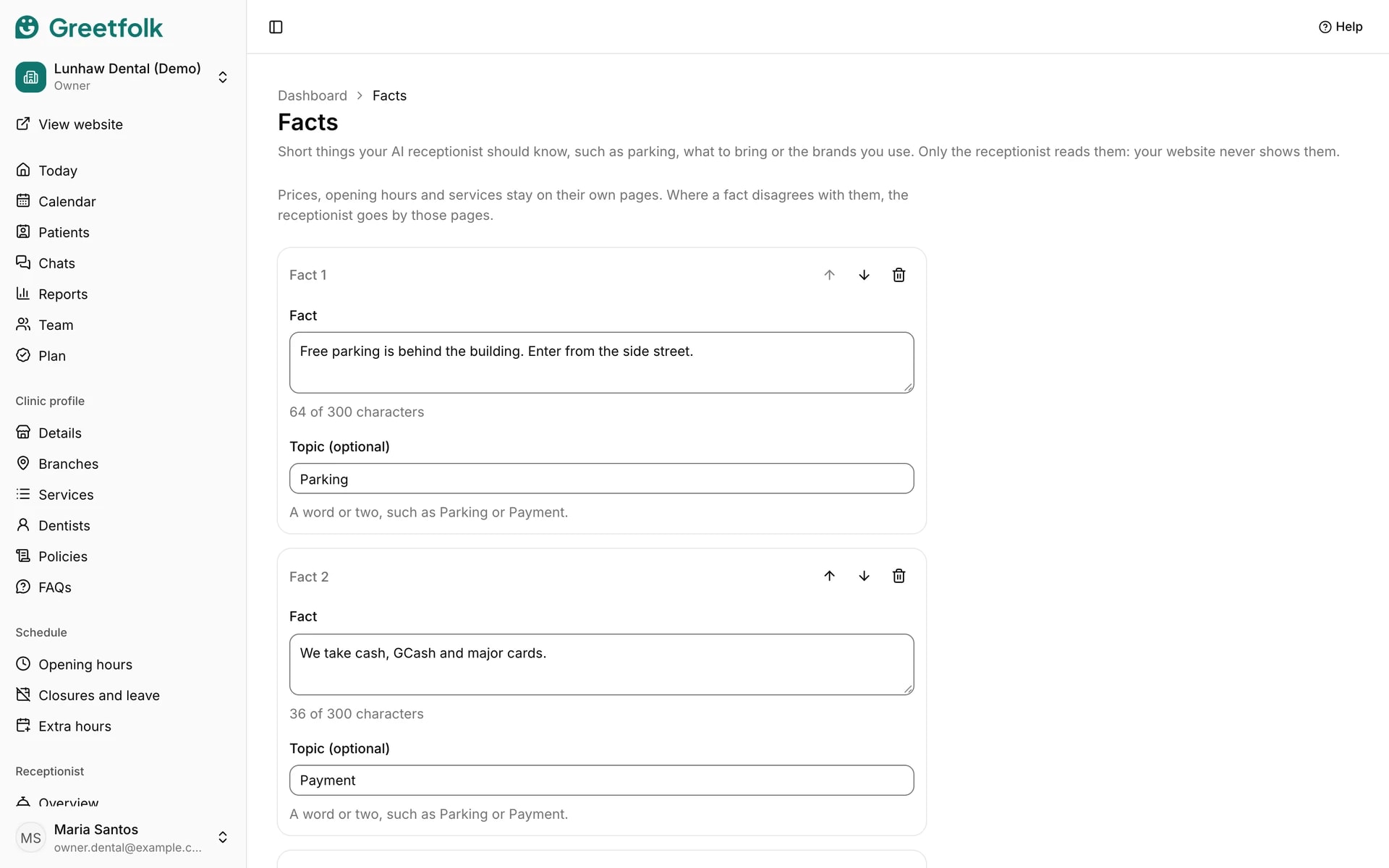
Open Facts under Receptionist and click Add fact. Write one or two sentences in plain words, the way you would tell a new receptionist. A fact holds up to 300 characters.
2. Give it a topic
The topic is optional: a word or two such as Parking or Payment. It helps you find a fact later and tells the receptionist what the fact is about.
3. Put them in order
Use the arrows to move a fact up or down, and the remove button to delete one. You can keep up to 50 facts.
4. Save
Click Save facts. The receptionist answers from them straight away in your website's chat and in Messenger, so you can open the chat and ask a question to check.
5. Know what belongs elsewhere
Prices, opening hours and services stay on their own pages, and where a fact disagrees with them the receptionist goes by those pages. Use FAQs or Policies for anything you also want on your website.
6. Write facts, not orders
The receptionist reads each fact as information about your business, and it is told not to take a fact as an instruction. So write what is true about your business, not how it should behave. When no fact covers a question, it still says it doesn't know and points people to your team.