Clients
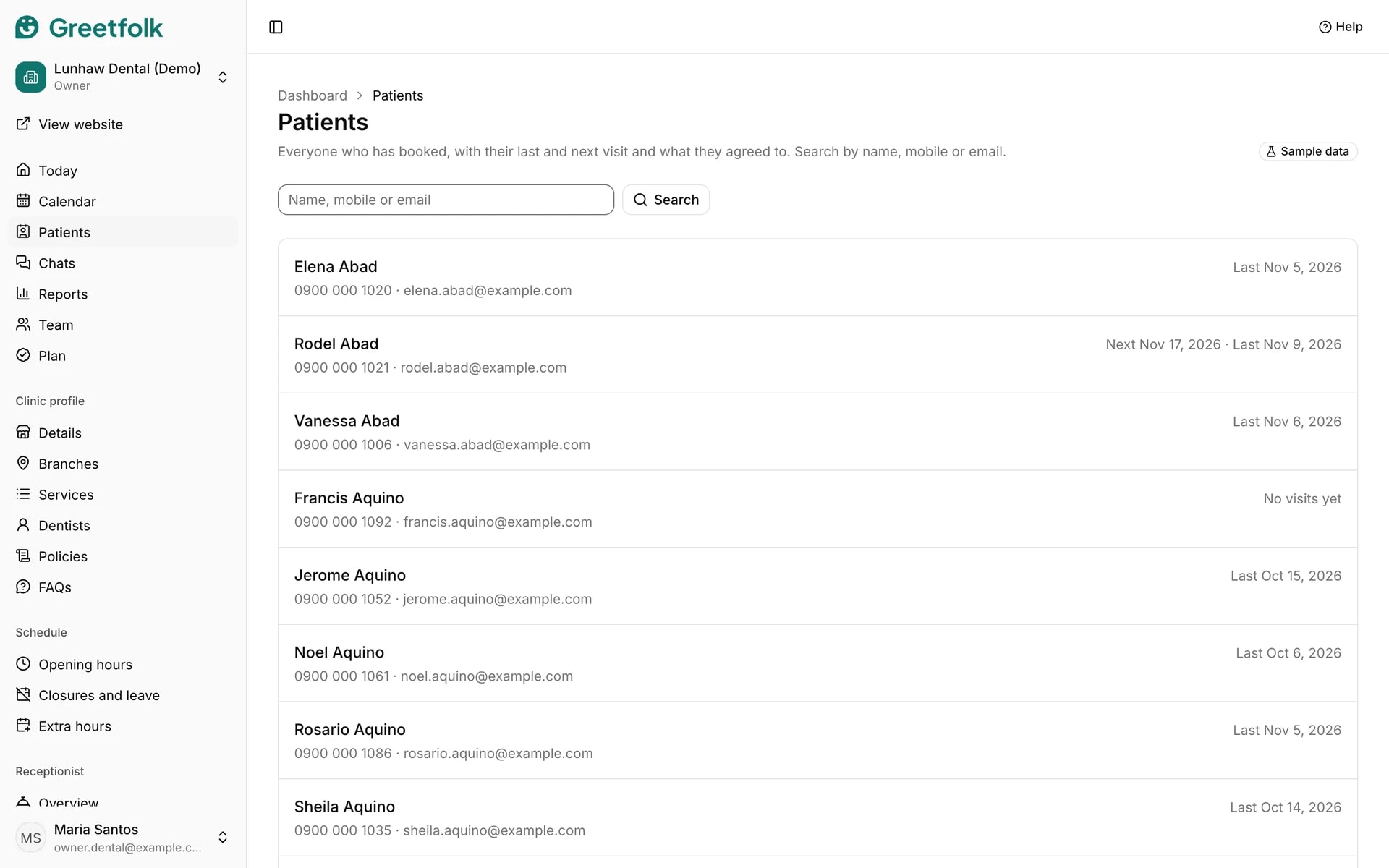
The client list holds everyone who has booked with you, with their last and next visit and what they agreed to. Owners and staff see it, and a person appears after their first booking.
The screenshots show a demo business with made-up bookings and chats.
1. Find someone
Open the client list in the dashboard menu. It carries your business's own word for the people who book. Type part of the name, the last digits of the mobile, or the email into the search box.
2. Read the list
Each row shows the person's contact details with their last visit and their next one. No visits yet means they have no past or coming visit on record.
3. Open one person
Click a row to see their details: visits so far, the last and next visit, the birth date if they gave one, and whether reminder emails still go to them.
4. See who stopped reminders
Messages stopped marks someone who asked not to get reminders, with the date. Call them instead when you need to confirm a visit.
5. Keep notes
Type in the notes box and click Save notes. Only your team sees these. Keep health details out of them.